


What Is a CRM and Why Does Your Business Need One?
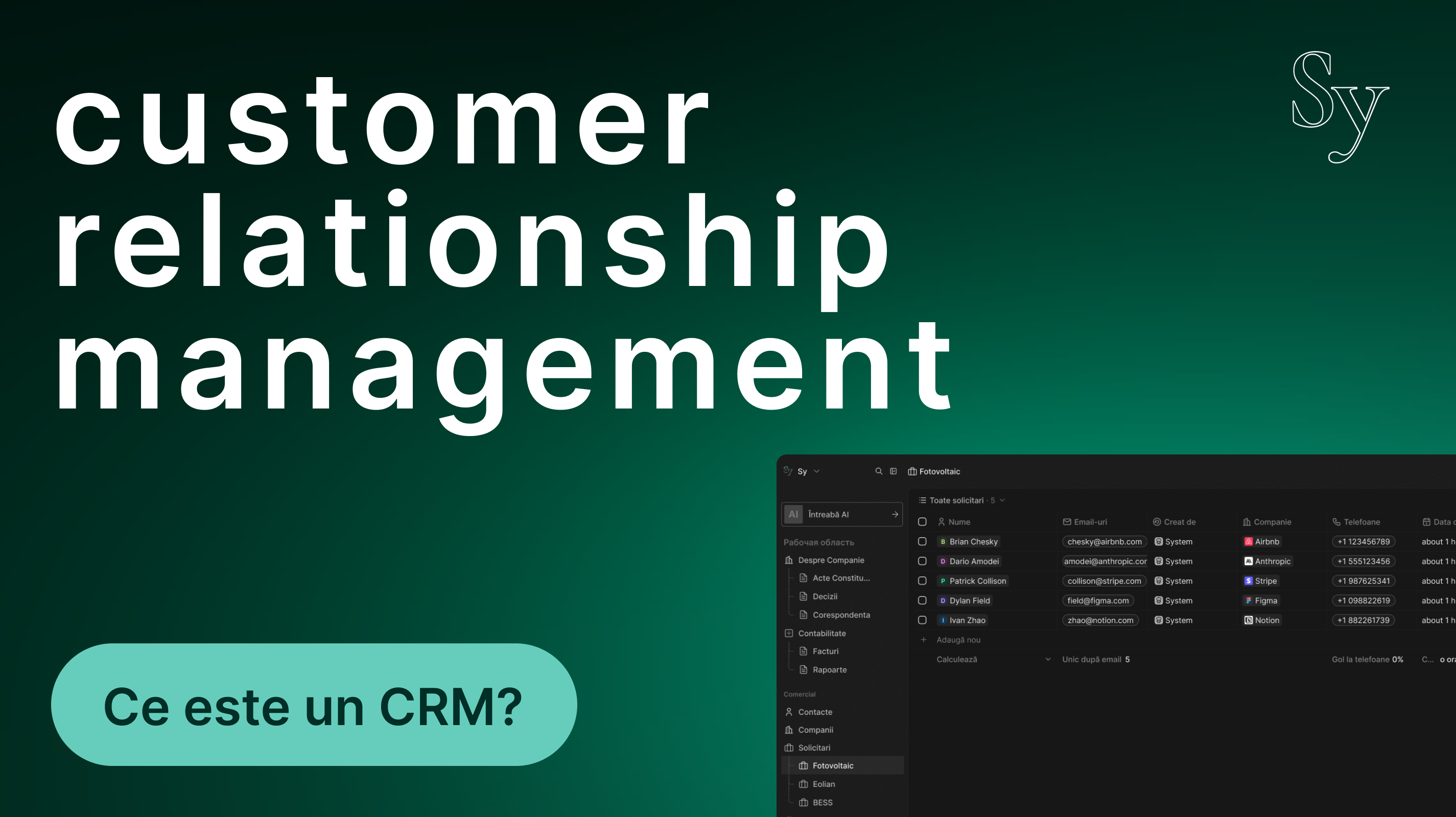
Do you have clients on WhatsApp, requests in your email inbox, notes in a notebook, and an Excel spreadsheet with orders? Congratulations — you already have a CRM. Just not one that works properly. If you’ve ever forgotten to call back a client who asked for pricing, lost track of an order’s status, or wasted time searching through old messages to remember what someone requested two weeks ago — then you already understand the problem a CRM solves.
- What Does CRM Actually Mean?
- Why Isn’t Excel Enough?
- How Does a CRM Work? Step by Step
- What Are the Real Benefits of a CRM?
- Does Your Business Need a CRM?
- Custom CRM vs. Generic Solution — Which Should You Choose?
- Conclusion
What Does CRM Actually Mean?
CRM stands for Customer Relationship Management. It’s not some magical or overly complicated software. At its core, it’s a system that keeps track of all your customer interactions in one organized and easily accessible place.
Think of it as a smart contact book combined with a customer file system and a reminder tool — all connected and updated in real time.
A good CRM can instantly answer questions like:
- When was the last time we spoke with client X?
- What offer did we send them, and did they accept it?
- Which team member is currently handling the client?
- How many orders has the client placed in the last 6 months?
- Is there any unpaid invoice left?
Without a centralized system, these answers are scattered across emails, phones, messages, and employees’ memories. With a CRM, they’re one click away.
Why Isn’t Excel Enough?
Many small business owners start with Excel spreadsheets. They’re free, familiar, and useful — up to a certain point.
The problem is that Excel is static. You fill it in, but it doesn’t do anything on its own. It won’t remind you to call a client. It won’t automatically show how many offers are still pending. It won’t send follow-up emails or tell you which employee has the heaviest workload. Most importantly, it becomes chaotic when multiple people need to use it at the same time.
A CRM, on the other hand, is dynamic. It tracks activity, sends notifications, automates repetitive tasks, and gives you a real-time overview of your business.
How Does a CRM Work? Step by Step
Let’s take a practical example. Imagine you run a service-based business — renovations, accounting, delivery services, or anything similar.
Step 1 — A New Client Enters the System
When someone contacts you through your website, phone, or email, you create a customer profile in the CRM. Name, contact details, where they found you, and what they need. It takes two minutes.
Step 2 — Track Their Status
Every client has a status in the system: prospect, negotiation, active order, completed project, or any stage relevant to your workflow. You can instantly see where each client stands.
Step 3 — Notes and Communication History
Every conversation, email, or promise made is stored inside the client’s profile. The next time you speak with them, you already know the context without asking them to repeat everything.
Step 4 — Reminders and Tasks
“Send revised offer by Thursday.”
“Call next week to check if they’re satisfied.”
These tasks can be assigned to team members with clear deadlines, and the system reminds you when they’re due.
Step 5 — Automated Reports
At the end of the month, the CRM shows you how many new clients you gained, how many sales were closed, the average order value, and which employee handled the most requests. No more manual calculations.
What Are the Real Benefits of a CRM?
You Stop Losing Clients Due to Forgetfulness
This is probably the most direct benefit. Every interested client stays visible in the system. If they haven’t replied to your offer, the CRM reminds you to follow up. If they purchased once but haven’t returned in six months, you can reach out automatically.
Your Entire Team Works From the Same Information
When an employee leaves or goes on vacation, they often take customer knowledge with them — in their head or on their phone. With a CRM, all information stays inside the company. Any colleague can continue the conversation exactly where it left off.
You Save Time on Repetitive Tasks
Sending standard offers, confirmation emails, or order-ready notifications can all be automated. The CRM handles repetitive actions based on rules you set once.
You Make Decisions Based on Data, Not Guesswork
“I feel like we had fewer clients this month” becomes unnecessary. With a CRM, you know exactly how many clients you had, which services sold best, and which periods are weaker for sales.
You Look More Professional
Clients appreciate businesses that remember their preferences, follow up on time, and know their history immediately. A CRM helps you provide that experience consistently.
Does Your Business Need a CRM?
Not every business needs a complex system. But if you answer “yes” to more than two of these questions, a CRM would likely bring real value:
- Do you manage more than 20–30 active clients at the same time?
- Do you work with a team, even a small one?
- Have you ever lost a client because you didn’t reply in time?
- Does finding customer information take too long?
- Do you want to grow your business, but your current processes can’t keep up?
If yes — it’s probably time to consider a CRM.
Custom CRM vs. Generic Solution — Which Should You Choose?
There are many ready-made CRM solutions on the market: HubSpot, Bitrix24, Pipedrive, Zoho, and others. They are powerful tools with many features.
The issue is that they come with predefined logic. You have to adapt your workflow to how someone else designed the system.
A custom CRM is different. It’s built specifically around your business processes. If your sales process has four stages, the system reflects exactly that. If you need WhatsApp integration, website forms, or invoicing platform connections, everything can be tailored to your needs.
You don’t pay for features you’ll never use, and you don’t miss the ones you actually need.
At Sykors Media, we build custom CRM systems for exactly this reason — because every business works differently and deserves a system designed around its own workflow.
Conclusion
A CRM is not a luxury reserved for large corporations. It’s a practical tool that helps businesses stay organized, avoid losing clients, and grow without chaos.
Whether your team has 3 people or 30, a good customer management system can make the difference between a business that merely survives and one that truly grows.
If you want to see what a CRM tailored to your business could look like — without long presentations or obligations — contact us. We’ll prepare a free demonstration and discuss exactly what you need.